Free · No signup · Real frame sizes
Gallery wall planner
Plan a gallery wall layout on a photo of your own wall, with every frame at its real size, before you drill a single hole. Pick a starting layout below, add your wall's width and height, then move and resize frames until it looks right.
Choose a layout to start from
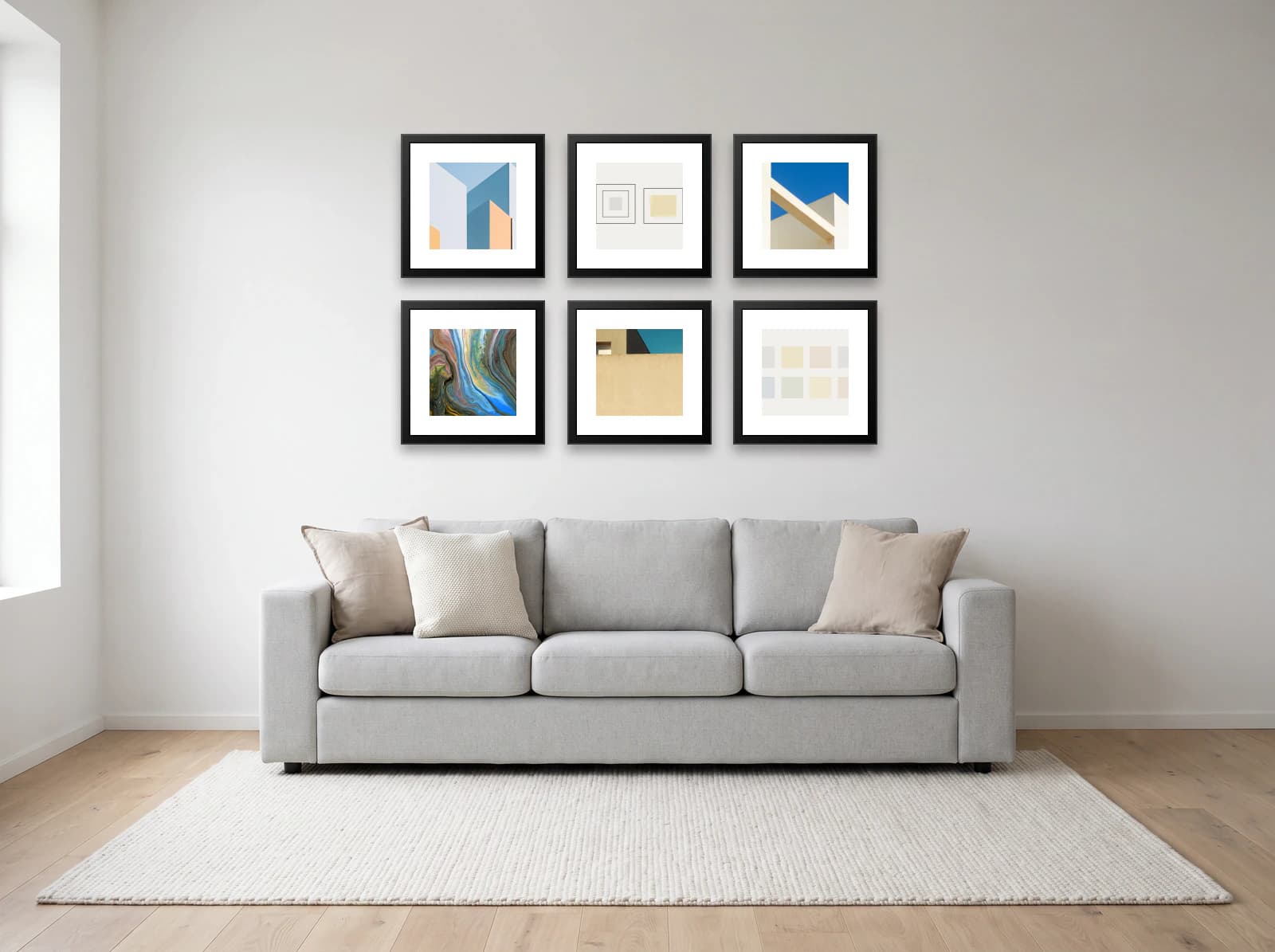
Grid
6 frames · 132 × 86 cm (52 × 34 in)
Matching frames in equal rows. The calmest layout, and the most forgiving of mixed art.
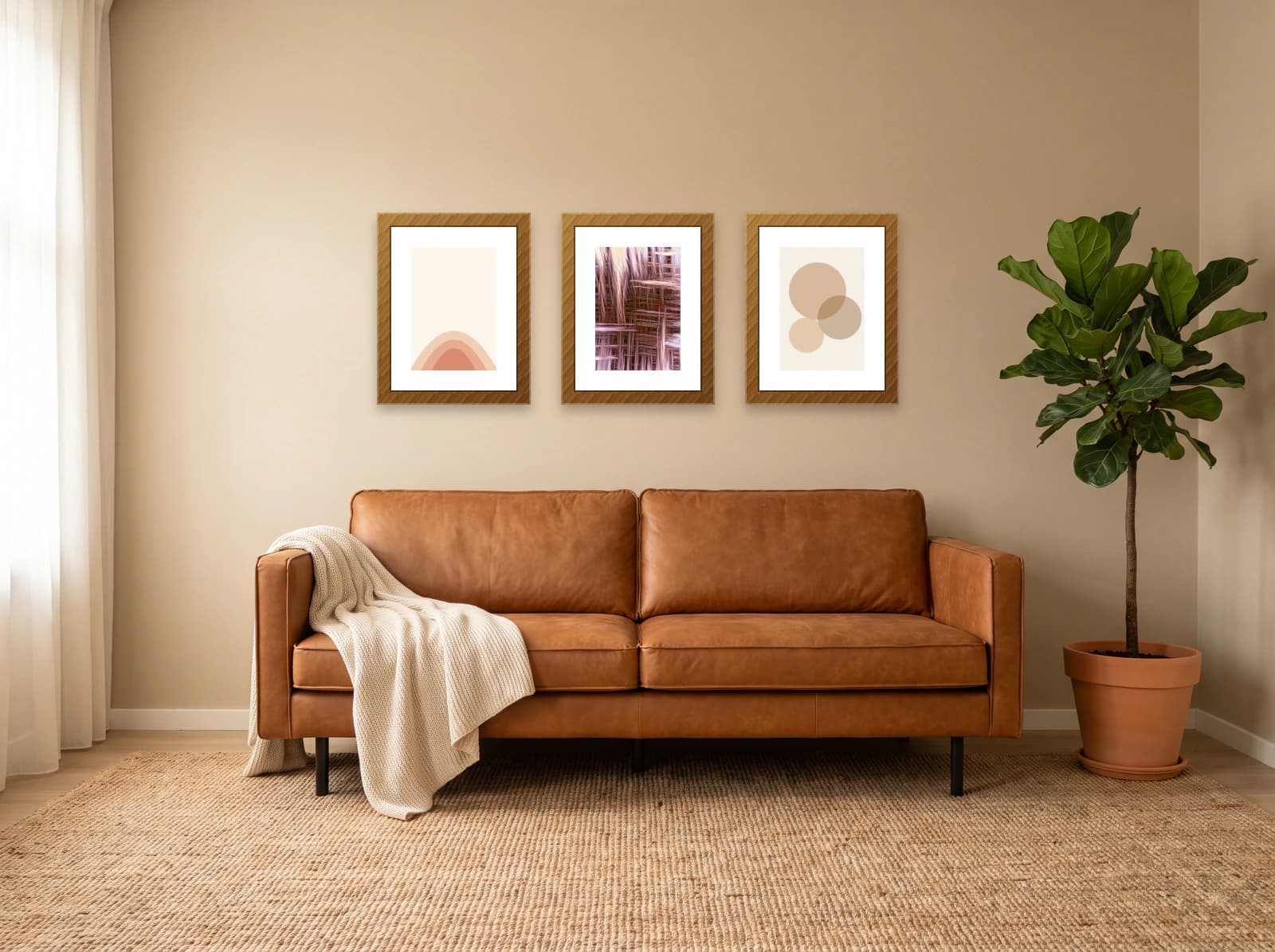
Row
3 frames · 136 × 50 cm (54 × 20 in)
One straight line. The quickest to hang, and right for a long, low wall.
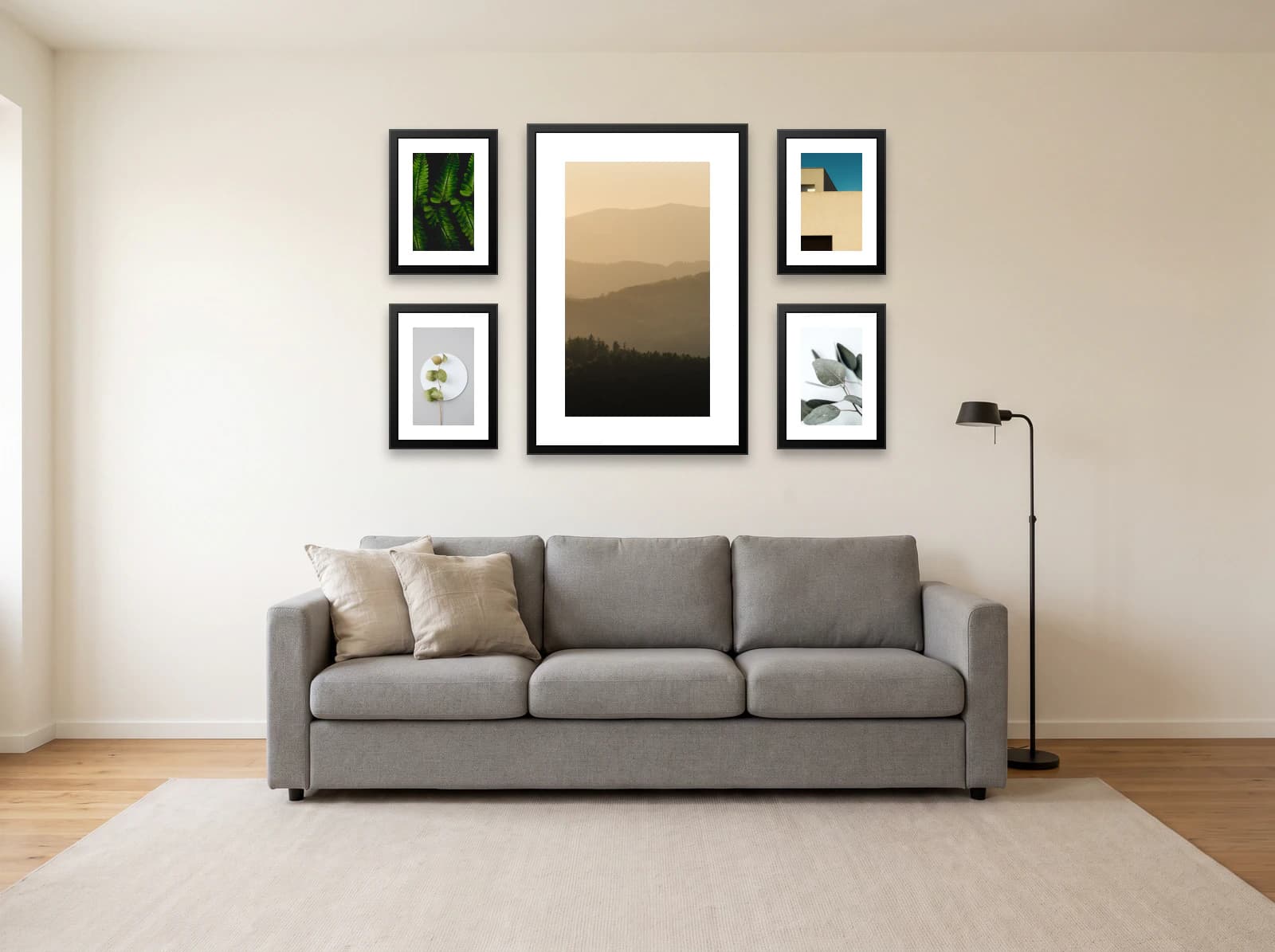
Centrepiece
5 frames · 137 × 91 cm (54 × 36 in)
One large frame with smaller ones around it, for a single clear focal point.
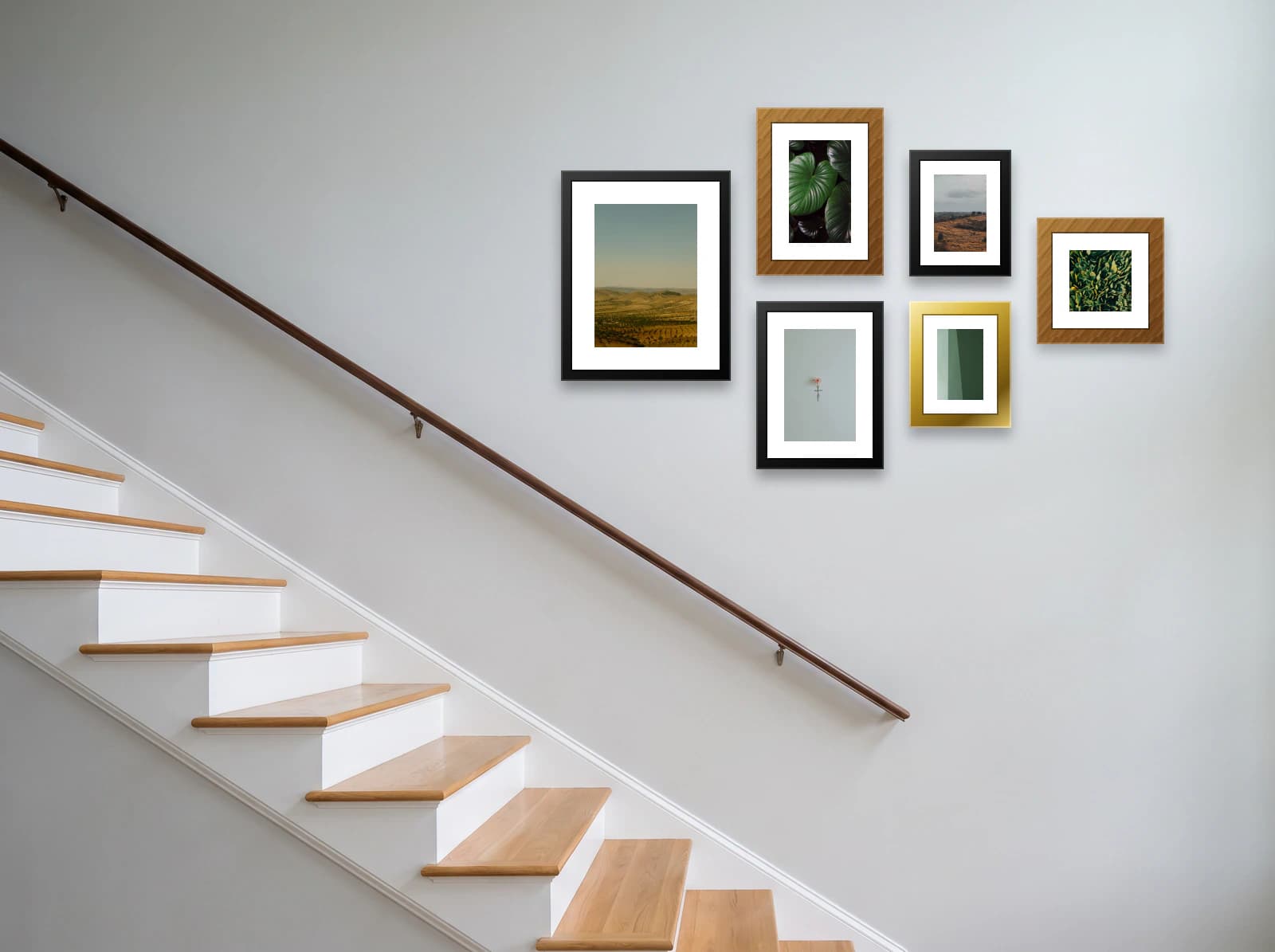
Salon cluster
6 frames · 142 × 86 cm (56 × 34 in)
Mixed sizes held inside a square outline. Takes more pictures than a line can.
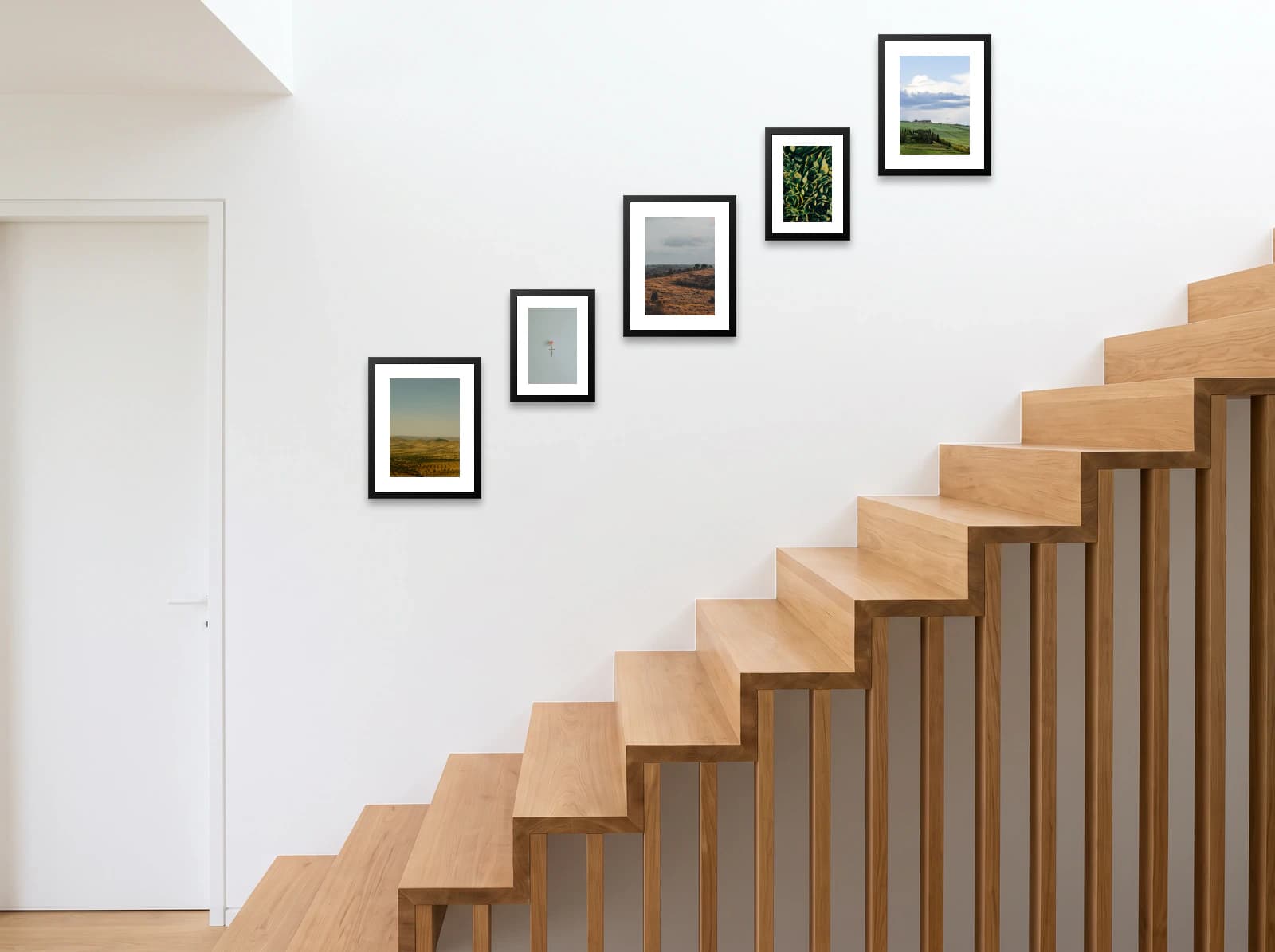
Staircase
5 frames · 220 × 164 cm (87 × 65 in)
Frames that climb with the stairs, each the same height above its step.
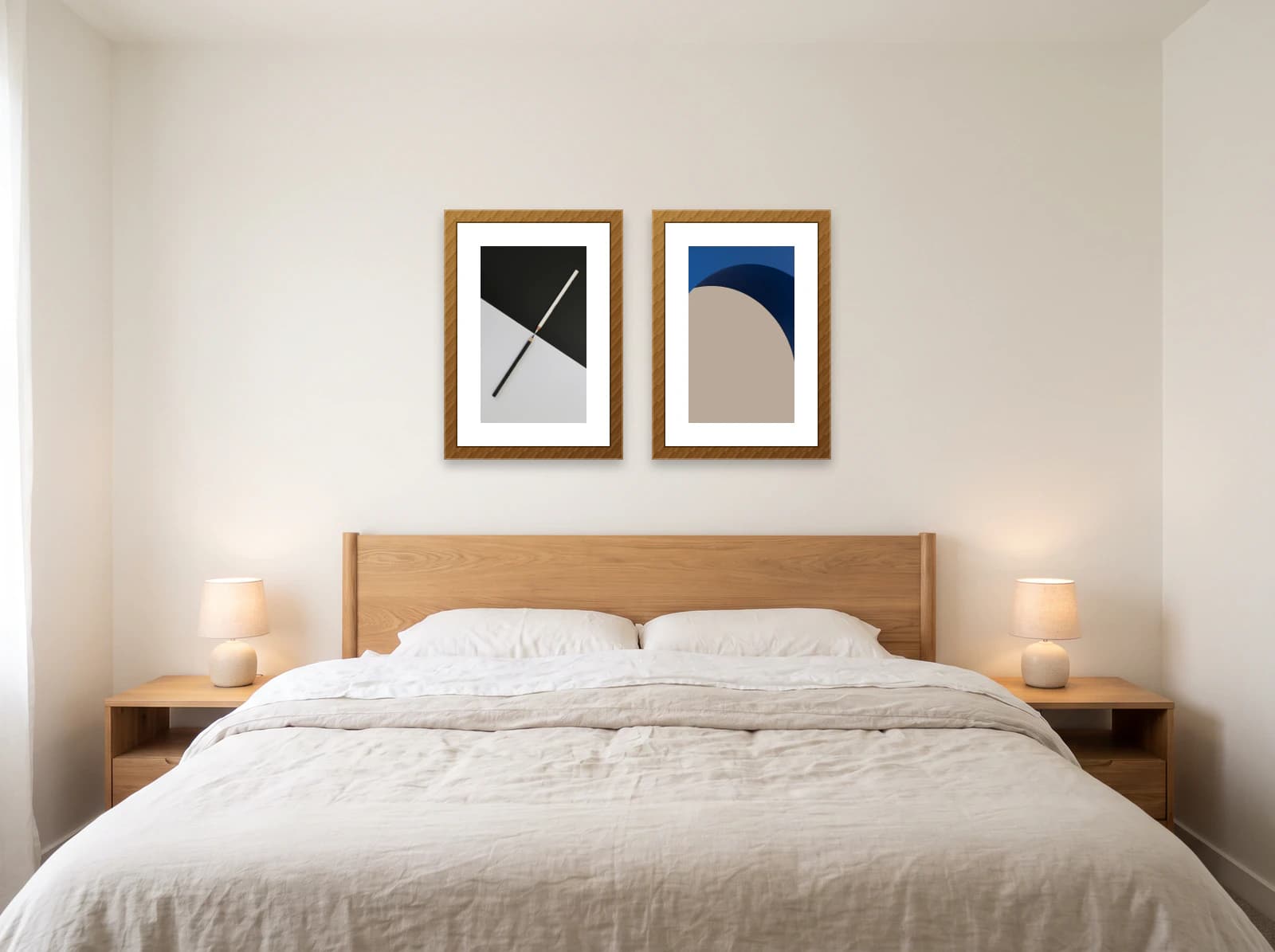
Pair
2 frames · 108 × 70 cm (43 × 28 in)
Two matching frames. The easiest layout to get right over a bed or a console.
Planning for a particular room? Browse 22 gallery wall templates by room, with frame sizes, or start from a blank wall.
How to plan a gallery wall layout
Step 1
Pick a starting layout
Choose a shape above: grid, row, centrepiece, salon cluster, staircase or pair. Each one opens with standard frame sizes already placed.
Step 2
Add your wall
Upload a straight-on photo of your wall and mark its width and height. The planner scales every frame to that measurement, so a 50 × 70 cm frame takes up 50 × 70 cm of your wall.
Step 3
Arrange the frames
Drag, resize, add or remove frames (up to 12), and change frame colours and mats. Keep the same 5 to 8 cm (2 to 3 in) gap between all of them.
Step 4
Hang it from the measurements
Measure each frame from two lines: the left edge of the group and its bottom line. Working from those two lines, rather than from frame to frame, stops small errors adding up across the wall.
Gallery wall planners compared
We make walldecor.io, so read this with that in mind. Prices and features are as each site described them in October 2026; check before you rely on them.
| Planner | Price | Account | Your own wall photo | Real frame sizes | Hanging measurements |
|---|---|---|---|---|---|
| walldecor.io | Free | Not needed | Yes, free | Yes, cm and in | Nail positions for every ready-made layout |
| gallery-planner.com | Core free, Pro from $6 | Not needed | Yes | Yes, including IKEA frames | PDF hanging guide (Pro) |
| WallMockup | 7-day trial, then $4.99 a month or $5.99 in credits | Not stated | Yes | Yes | PDF or CSV export |
| Canva | Free plan, Pro optional | Needed | As a background image | No wall measurements | No |
Pick gallery-planner.com if you own a pile of mixed frames and want a printed hanging guide. Pick WallMockup if you sell prints and need product mockups. Pick walldecor.io if you want to see the layout on your own wall at true size without paying or signing up.
Questions
Is there a free gallery wall planner?
Yes. The walldecor.io gallery wall planner is free and needs no account. Pick a layout, add a photo of your wall with its measurements, and arrange up to 12 frames at their real sizes.
Can I plan a gallery wall on a photo of my own wall?
Yes. Upload a photo taken straight on, mark the wall area and enter its width and height. Every frame is then drawn to scale against that measurement, so the layout on screen is the size it will be on the wall.
Can I use my own photos or art in the planner?
Layouts open with sample art, which is enough to plan sizes and spacing. Placing your own photos and artwork in the frames comes with Lifetime access.
How many frames can I plan at once?
Up to 12 frames on one wall, each with its own size, frame colour and mat.
How do I get the layout from the screen onto the wall?
Draw two light pencil lines: the left edge of the group and its bottom line, 20 to 25 cm (8 to 10 in) above any furniture. Measure every nail from those two lines. Each ready-made layout lists those measurements for every frame.
What is the difference between a gallery wall planner and a generator?
A generator suggests an arrangement; a planner lets you change it and keeps the sizes real while you do. Here the starting layouts do the generating, and the editor does the planning.
See your gallery wall at its real size before you drill.
Open the planner