Free paint visualizer: see any color on your walls

Upload a photo of your room, pick a color and watch the walls repaint instantly. Compare before and after, then choose with confidence before you buy a single can.

Free · No signup · Unlimited colors
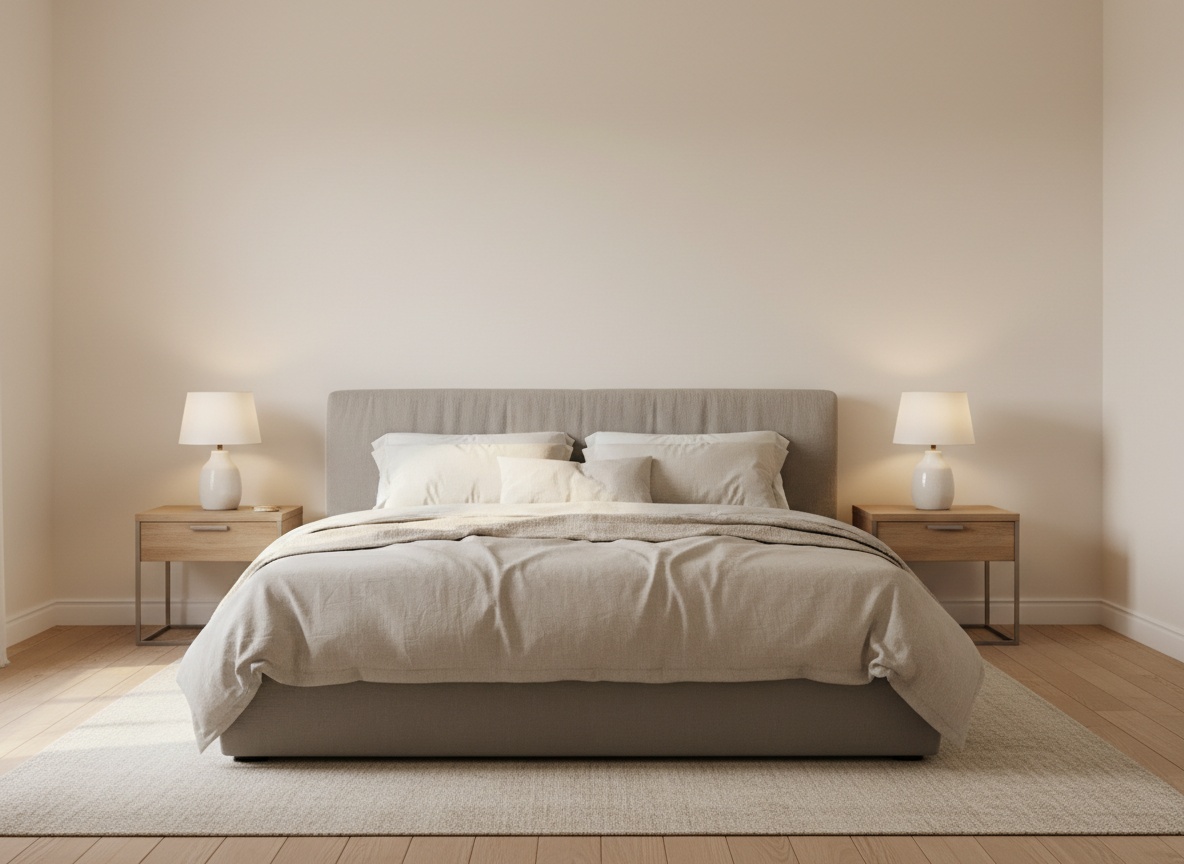
Bedroom with an upholstered bed and two bedside lamps

Use a photo taken straight at the wall, in daylight. JPEG, PNG or HEIC.

Sage green
#9CAF88

Whites

Neutrals

Greens

Blues

Earth tones

Pinks

Darks

Found the one? See it for real.

The free preview is quick and a little rough. The full version repaints your room properly: real sheen, real shadows, clean edges around every chair and lamp.

How the paint visualizer works

  1. Step 1

    Add your room

    Upload a photo of your room, or start with a sample. The tool finds the walls in a few seconds.

  2. Step 2

    Try colors

    Tap any swatch or enter a custom hex. The walls repaint instantly, as many times as you like.

  3. Step 3

    Compare

    Drag the slider across the photo to see the room before and after, side by side.

Want it to look real?

Narrow it down for free. See it for real after.

Use the free preview to get from fifty shades to two. Found the one? The full version repaints your room properly, with the light, sheen and shadow you'd see in a photo.

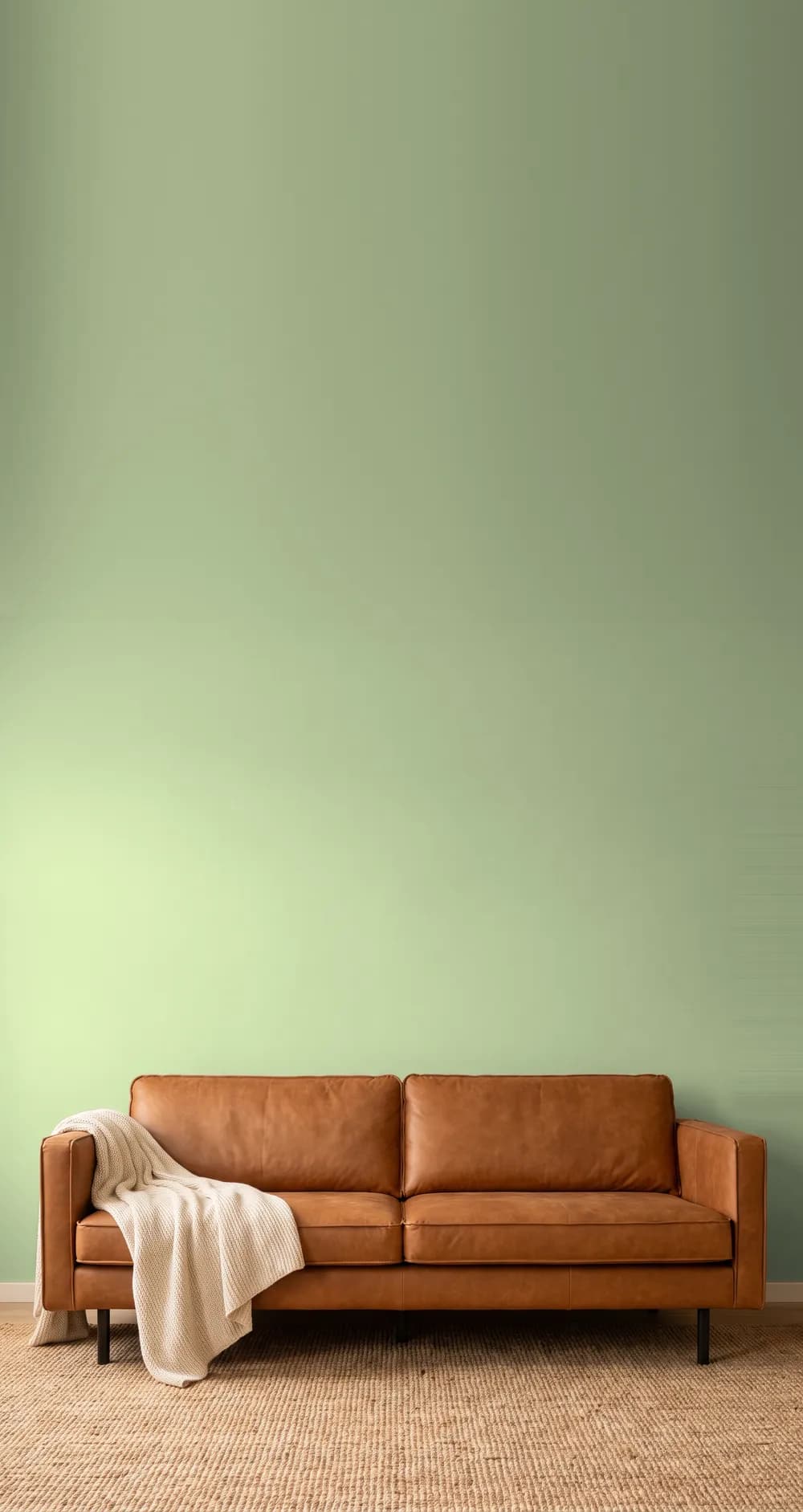
Before
Before
Full version: sage
Full version: sage
Full version: navy
Full version: navy

How it compares to other paint visualizers

walldecor.ioPaint brand visualizersPhone apps
Works in the browserYesYesApp download
Colors from any brandAny hex codeThat brand onlyVaries
Signup to tryNoVariesOften
Polished, true-to-life resultWith lifetime accessNoSome

How to choose a wall paint color

Judge color in your own light

North-facing rooms get cool, even light that pulls colors toward grey and blue. South-facing rooms get warm light that makes colors glow. A color that looks perfect in a bright sample room can turn flat in a dim hallway, so test it on a photo of the room you will paint.

Go one step lighter than you think

Paint looks darker and more saturated across a whole wall than on a small chip, because the wall reflects color back onto itself. If you are torn between two shades, the lighter one is usually closer to what you pictured.

Mind the fixed colors

Floors, countertops and large furniture are not changing, so the wall color has to work with them. Warm wood floors pair well with sage, greige and warm whites. Cool grey floors sit better with blues and crisp whites.

Use an accent wall to test bold colors

Navy, forest green and terracotta are a big commitment on four walls. Painting the wall behind the bed or sofa gives you the depth of a dark color without closing the room in.

Frequently asked questions

How does the paint visualizer work?
Upload a photo of your room, or pick a sample room, then pick a color. The tool finds the walls in the photo and repaints only them, keeping the original light and shadow, so a wall in shade stays in shade in the new color. Drag the slider across the picture to compare before and after.
Is the paint visualizer free?
Yes. Trying colors is free with no signup and no limit on how many you try. You can upload two photos of your own rooms a day, and the sample rooms are unlimited. The preview runs in your browser, so changing color is instant. Want the polished version? That comes with lifetime access.
What happens to the photo I upload?
Your photo is used only to find the walls, and is deleted as soon as that is done, usually within a few seconds. What we keep is the wall outline, a black and white shape with nothing of your room in it, so the same photo loads instantly if you open it again.
What kind of photo works best?
A photo taken straight at the wall, in daylight, with as much of the wall in view as possible. Avoid very dark photos and close-ups. Furniture in front of the wall is fine: the tool leaves it untouched.
Why does the free preview look a little rough?
Because it's built for speed. It recolors the wall in your photo in a split second, which is perfect for comparing shades, but edges around furniture can be soft and finishes look flat. The full version, included with lifetime access, repaints the whole room properly: realistic sheen, light bouncing off the new color, and crisp edges around trim and furniture.
Will the color on screen match the paint in the can?
Close, not exact. Screens differ in brightness and color calibration, and real paint shifts with the light in your room through the day. Use the visualizer to narrow your choice to two or three colors, then paint a large sample on the wall and look at it in the morning and evening before buying.
Can I use any paint brand's color?
Yes. Choose Custom and enter the hex code of any color. Most paint brands publish a hex or RGB value for each color on their website, so you can preview colors from any brand side by side.
Which wall colors make a room look bigger?
Light colors with a cool or neutral undertone, such as soft whites, pale greys and mist blues, reflect more light and make walls appear to recede. Painting the walls and ceiling in similar light tones blurs the edges of the room. Dark colors can also work in small rooms by hiding the corners, which makes the boundaries harder to read.
What is an undertone and why does it matter?
An undertone is the subtle hue underneath a color. Two greys can look identical on a chip and completely different on a wall: one leans blue, the other leans green or purple. Undertones show most on large surfaces, which is why previewing a color across a whole wall is more reliable than judging a small swatch.